Articles

Affichage des articles associés au libellé UBUNTU

[Solr 4.7] : Installation, Configuration , Manipulation
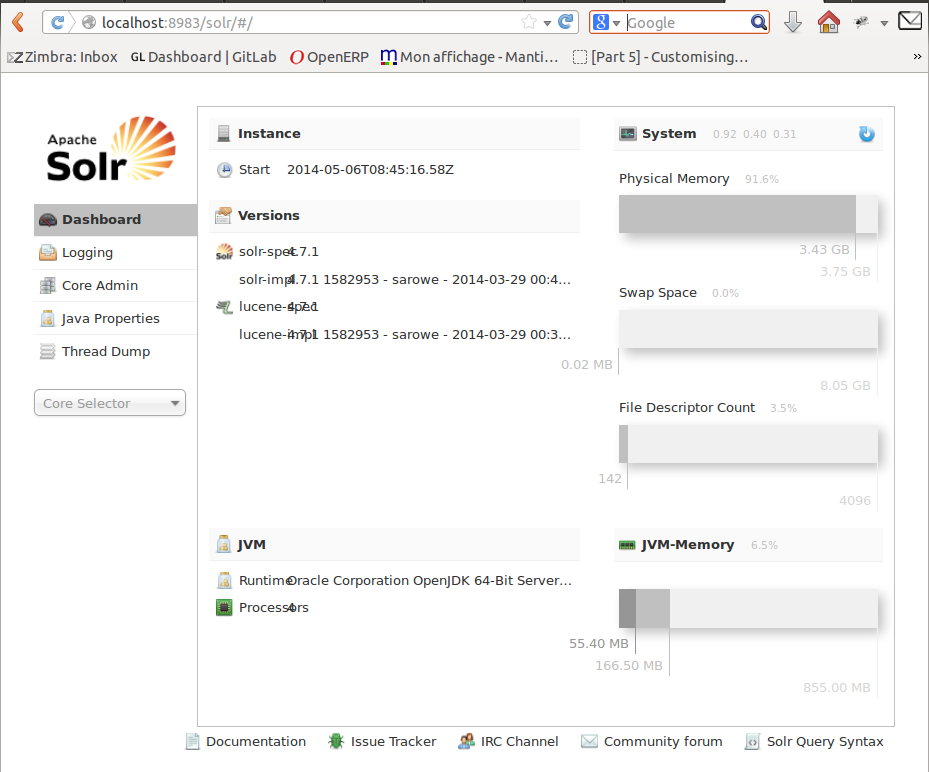
Image
Définition : Solr est une plateforme logicielle de recherche s'appuyant sur le moteur de recherche Lucene, créé par la Fondation Apache et distribuée et conçue sous licence libre. Solr utilise le langage Java et est exécuté par un conteneur de servlets, comme par exemple Tomcat. Il communique avec le client à l'aide d'une interface de programmation en XML et JSON, généralement via le protocole HTTP. [http://lucene.apache.org/solr/] Téléchargement : Télécharger l'archive de la dernière version de solr en suivant ce lien : http://lucene.apache.org/solr/downloads.html solr-VERSION.zip ou .tgz (avec VERSION est le numéro de la version, e.g. 4.7.1) fichier qui contient Apache Solr, documentation html et tutorial. Le solr-VERSION-src.zip ou .tgz contient tou le code source pour cette version. Décompresser l'archive, on obtient un dossier contenant : - exemple/ contient des exemples, des documents à indexer, Jetty le conteneur de servl...

Login to Ubuntu using your face [Updated with PPA]

Installation   The following PPA serves both Ubuntu 10.04 and Ubuntu 10.10 users and makes installation of both the pam tool and its dependencies a breeze. Open a terminal (Applications > Accessories > Terminal) and enter in the following two lines carefully. sudo add-apt-repository ppa:antonio.chiurazzi/ppa sudo apt-get update && sudo apt-get install pam-face-authentication Now run the 'Face Trainer' application from the   Applications > Other   menu. Add face-login to GDM Now to add the face authentication module to GDM, Ubuntu's default login-manager: sudo sed -i '1i auth sufficient pam_face_authentication.so enableX' /etc/pam.d/gdm sudo sed -i '1i auth sufficient pam_face_authentication.so enableX' /etc/pam.d/gnome-screensaver Depending on your webcam model/make you may need to install and add   libv4l   to preload: Create the file   /etc/ld.so.preload Paste in the path to the   v411compat...